
Canvas Quicktip 14
August 04, 2026 / Digital Learning / Tags: Quicktip, Canvas Quicktip, Canvas, Digital Learning
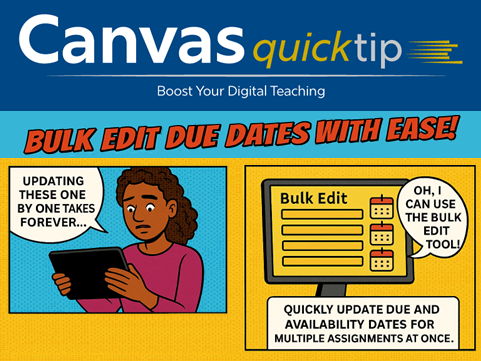
Update next-term due dates quickly with Canvas’s Bulk Edit tool!
If you copy course content from term to term, adjusting all the due dates can be the most time‑consuming step. Canvas’s Bulk Edit feature lets you update due and availability dates for multiple assignments at once - including differentiated dates for specific sections, students, or groups. It’s a fast way to get your course ready for the new term.
​​Learn How to Use the Bulk Update dates tool → ​
Missed a tip? Bookmark Digital Learning's and access expert guidance whenever you need a refresh to use Canvas more efficiently and effectively.
to browse the Archive.
Share Post