
CMS Creating Folders
/ Tags: Organize Pages, Creating, Organize, Folders, Creating Folders
Creating a New Folder
Using a New Folder template only creates the folder and is for organizational purposes only.
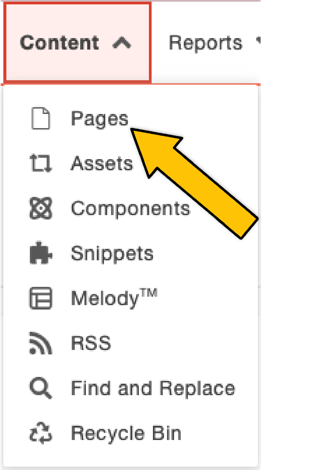 Content dropdown
- Go to Content > Pages showing the location where you'd like to create a new folder.
 "New" button
 - Click +New.
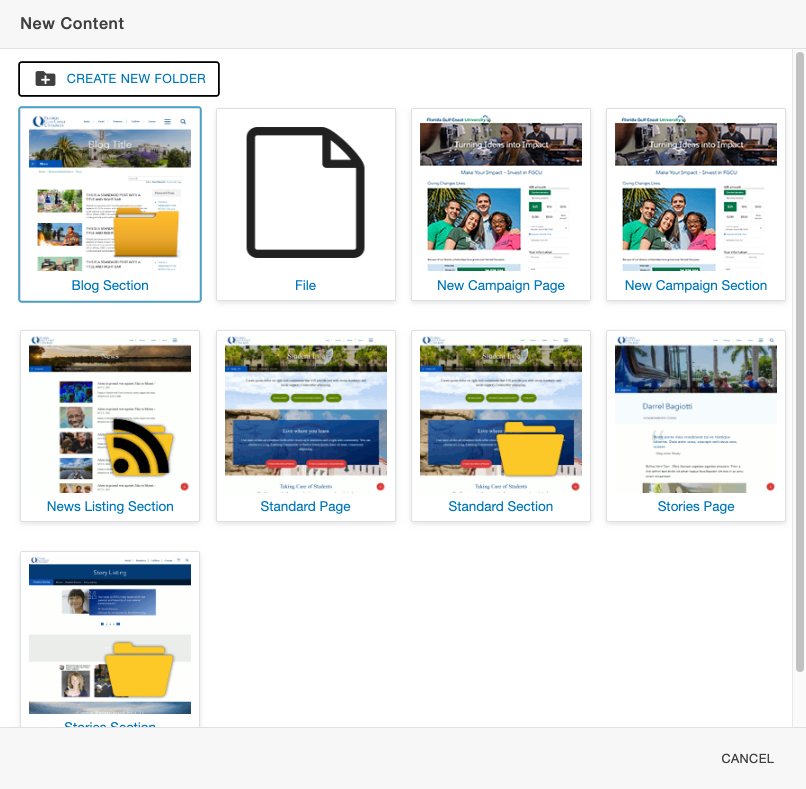 "New Content" Window
 - Click "Create New Folder."
- Name your folder using all lowercase.
- Click Create.
Learn more about
Share Post