
CMS Overview
/ Tags: Interface, Home, Dashboard, Checked Out Pages
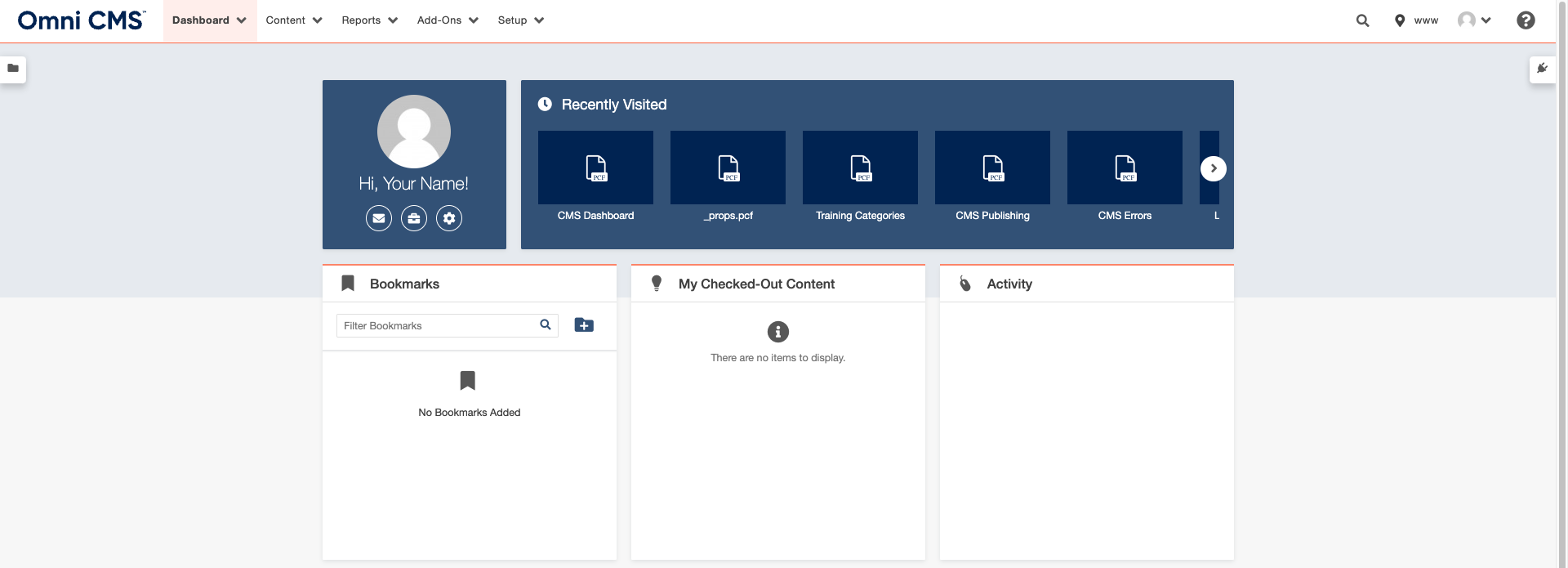
If you log in to Omni CMS using the default login page rather than Direct Edit, you are taken to your dashboard. Go to your dashboard anytime from the Main menu by clicking Dashboard > My Dashboard. The dashboard shows your recently visited pages, assets, components, and snippets; your ; and select .
Use Chrome as your primary browser to edit all pages.
Interface
The Omni CMS content interface shows you , menus, and sidebars. Menus and sidebars are consistent in all Omni CMS interfaces, including the dashboard and reports.
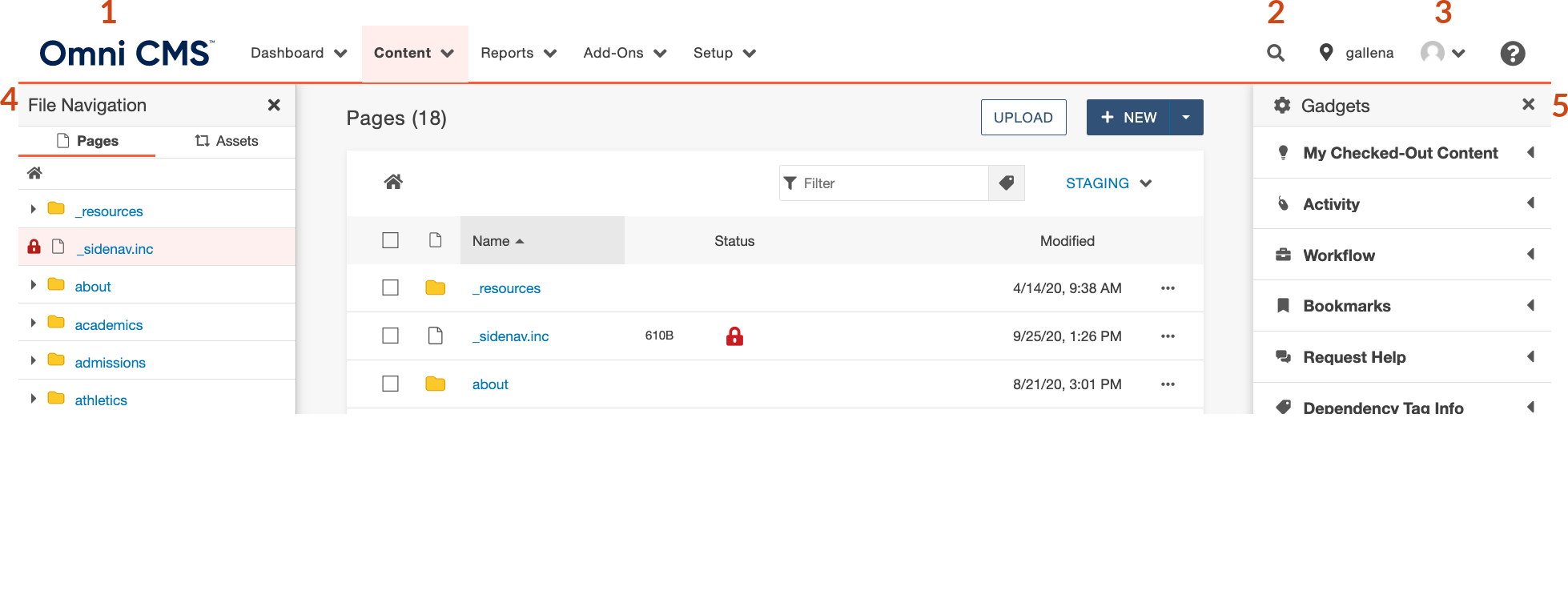 Common view of Omni CMS content interface
- Main menu: Access most of your Omni CMS content and functions from this menu.
- : Search your Omni CMS account for content, users and more. This includes your dashboard, the content menu (including , , and more), , and .
- : Your user avatar is set via , a third-party website that uses your avatar on any Gravatar-enabled site.
- File navigation sidebar: Expand to see and interact with the file structure of your website.
Gadgets sidebar: Click icon and expand to see available . 
Click on the cog icon to manage your gadgets sidebar.
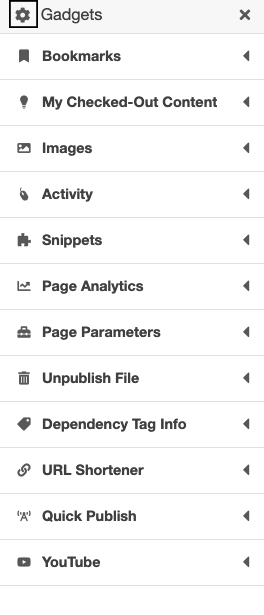 Gadgets Sidebar Menu
Tag Cloud
Share Post