
CMS Logging In
February 27, 2023 / Tags: Login, New User, Register, Logging In, Web Access, Start, Editor, Getting Started, Credentials
Get started as a site editor
1. Check to see if you are already listed as a site editor in OUCMS -
2. If you are on the website editor list, you can login with your network credentials.
If you are NOT listed as an editor,
Note:
Registering does not immediately add you to the approved editor list inside the software.
New users are usually added to the system within 12-24 hours and will be emailed with confirmation that you now have access.
Logging In
Rather than using a centralized login screen, Omni CMS allows editors to log in directly
to specific web pages. This is accomplished using a which is hidden in the footer of each live page managed within Omni CMS.
Note: You must be registered as a website editor before you can login. Go to for more information.
To log in, go to or click on the 漏 sign on the footer of the page that you want to edit.
 Copyright symbol Direct Edit link
You will be prompted with the Single Sign On (SSO) page. Login with your 蘑菇TV network credentials.
 Single Sign On page
Complete Two-Factor Authentication
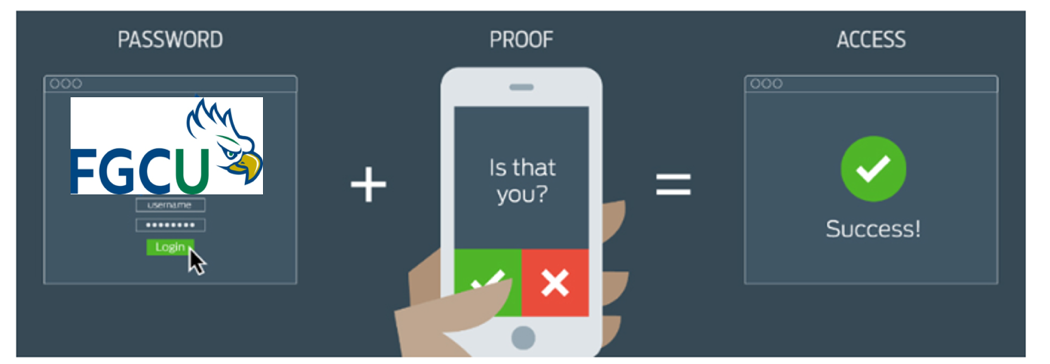 Two-Factor Authentication
After logging in, you will be taken to the Direct Edit page.
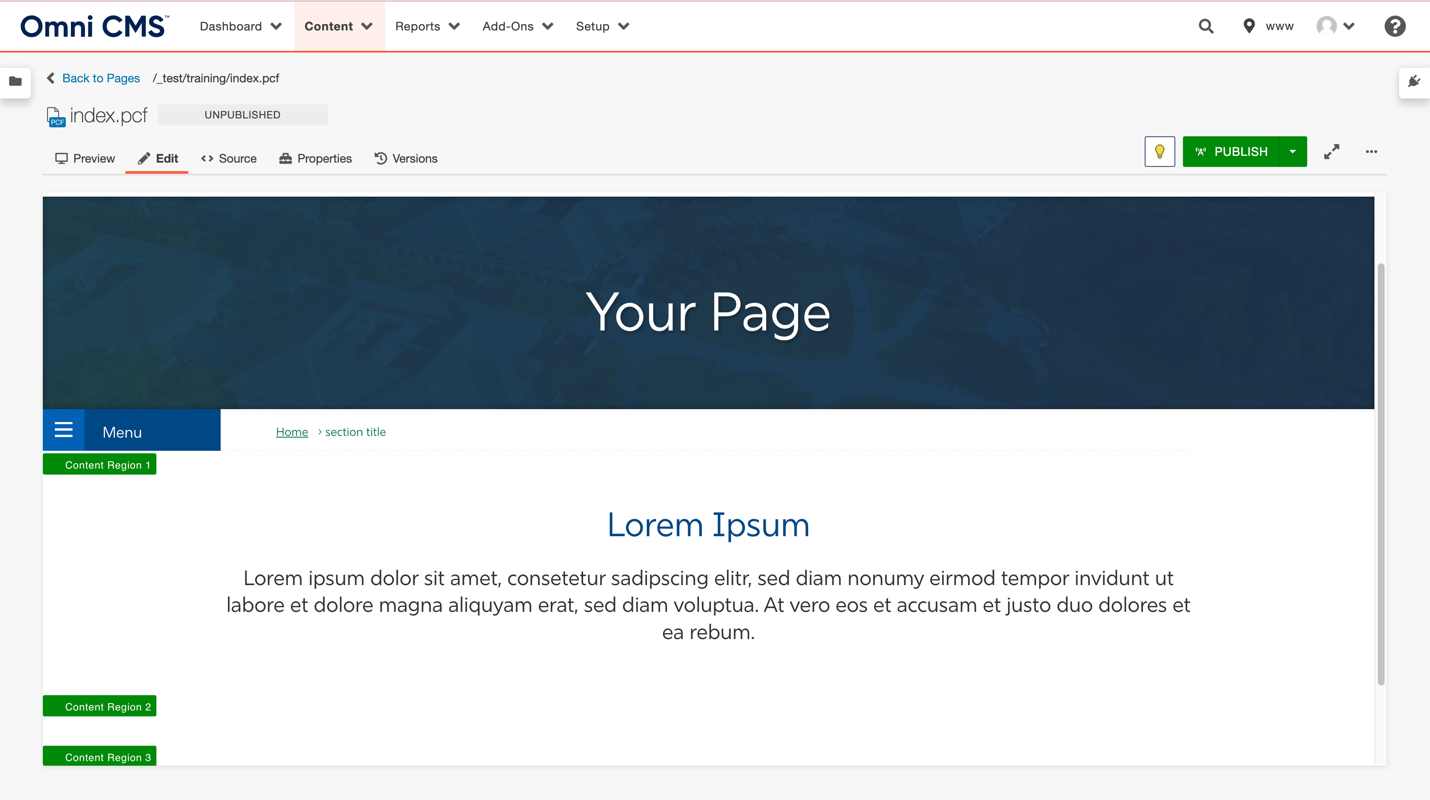 Page in Omni CMS
Share Post