
CMS Creating Sections
/ Tags: Section, Creating a New Section, Creating
Creating a new section makes a folder with an index page, a properties page (_props.pcf), and a navigation page (_nav.inc).
- Go to Content > Pages location where you'd like to create a new section.
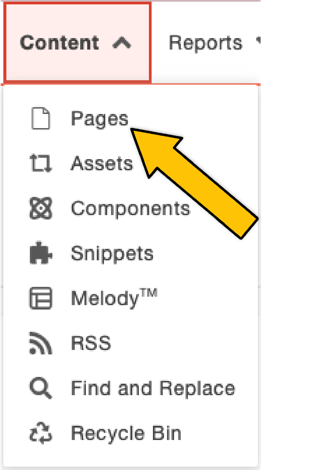 Content dropdown
 - Click +New.
 New button
 - In the "New Content" box, click New Section or a similarly named template.
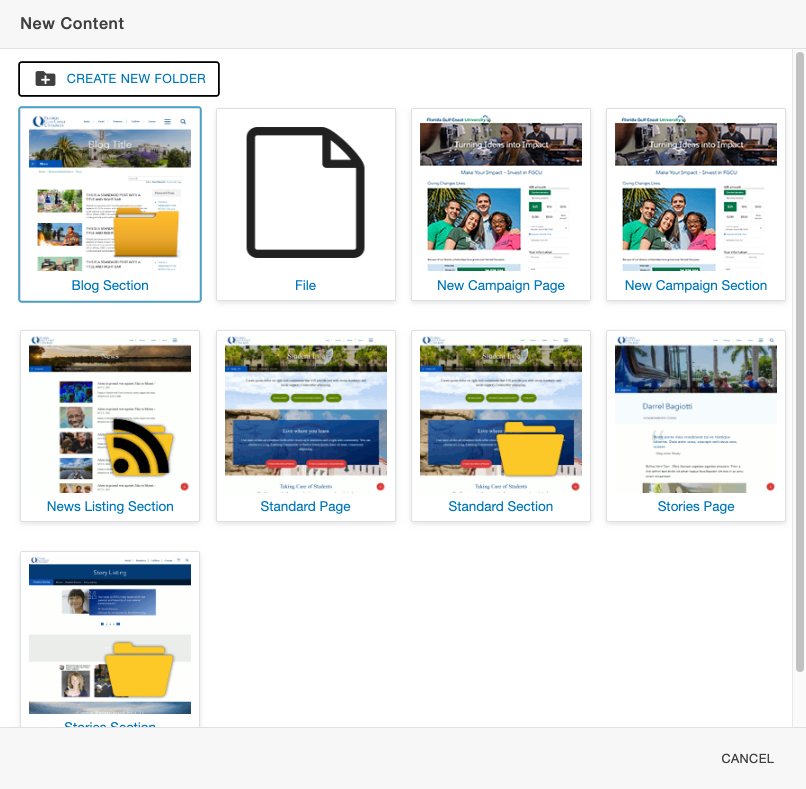 New content window
 - Complete the "New Section" box, as follows:
- Directory Name: Enter the section name that will appear in the URL and the Omni CMS file structure.
- Page Title: Enter the title of the index page.
- Description: Enter a description of the index page.
- Add Navigation Item: Select "Yes" from the dropdown to add a link to the index page in the navigation file for the current directory.
- Click Create.
Tag Cloud
Share Post